Simplify Cloudflare R2 Management
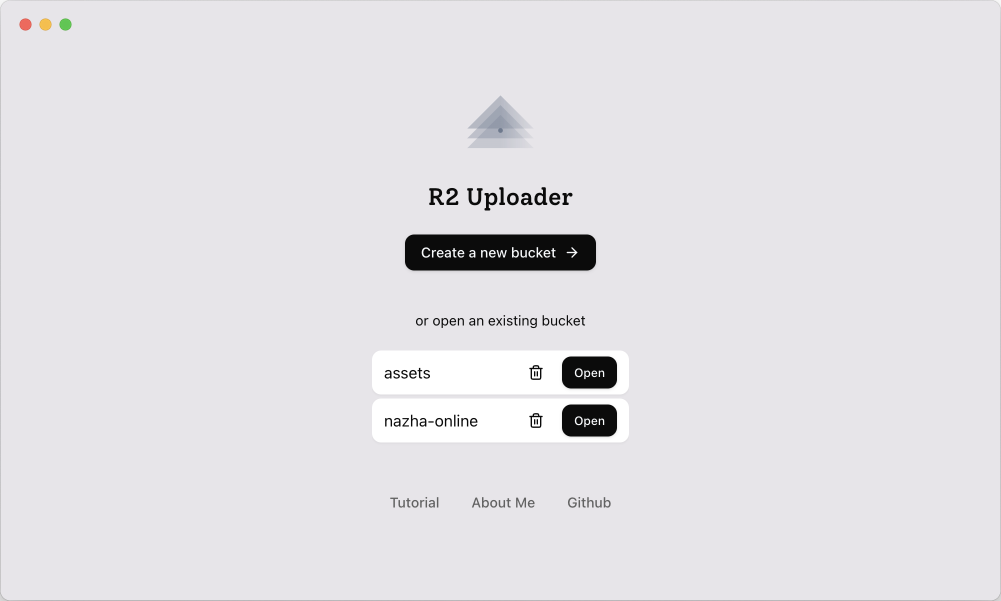
Requires license, but free usage is available. More info
Requires license, but free usage is available. More info
Explore how R2Uploader makes Cloudflare R2 simple and intuitive.
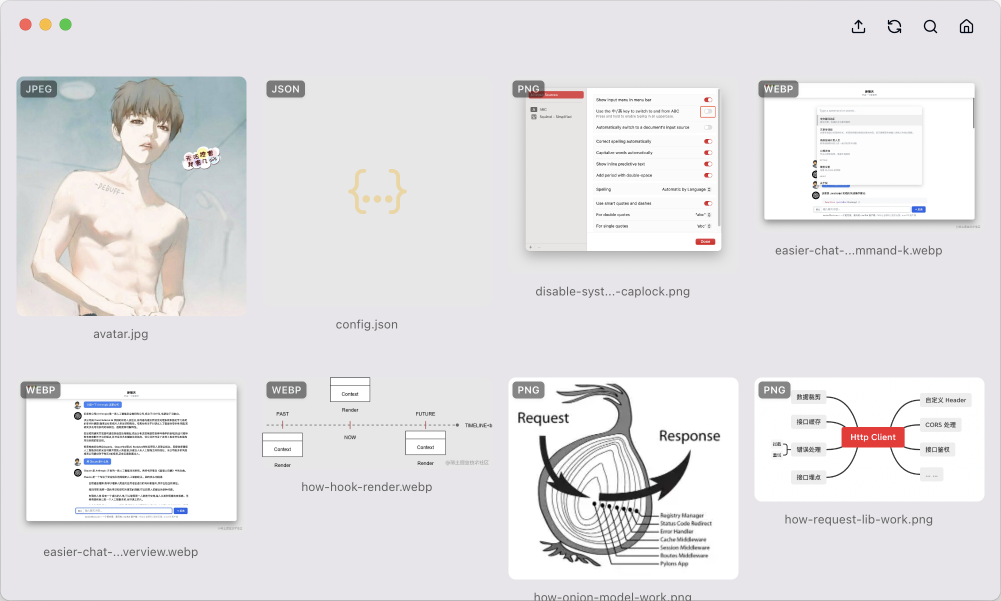
Browse objects using the Masonry layout for a more convenient and intuitive experience. Preview images and manage assets efficiently.
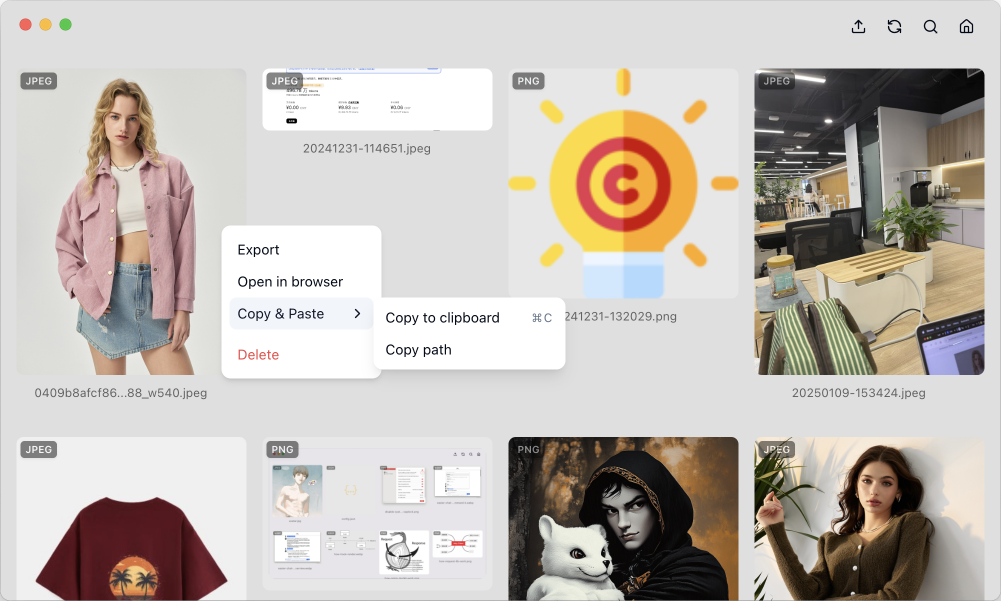
Easily manage each object: export files, delete objects, copy shareable links (with custom domain support!), copy to clipboard, and more.
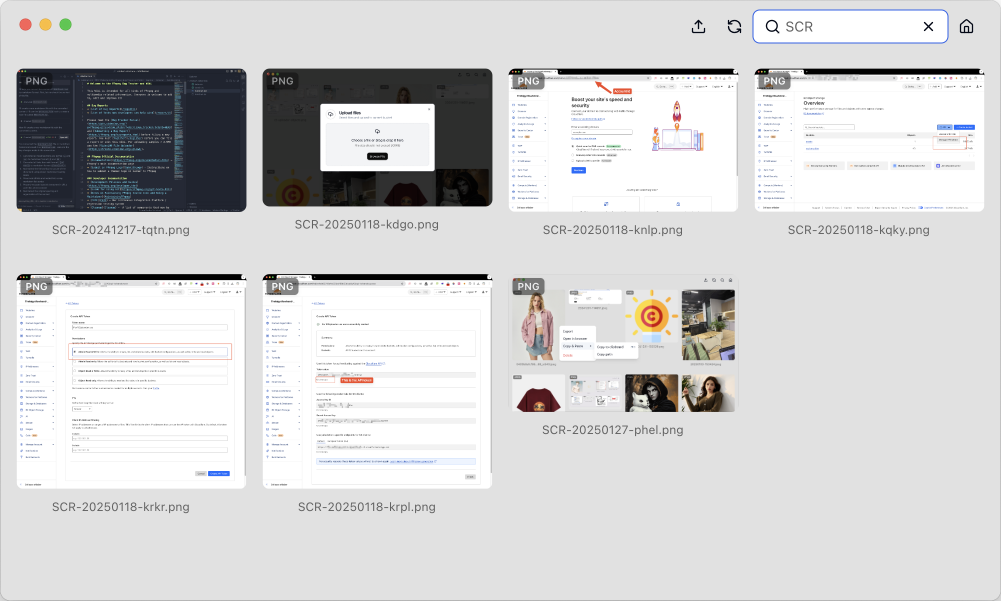
Quickly find specific objects using prefix-based search. No more endless scrolling!
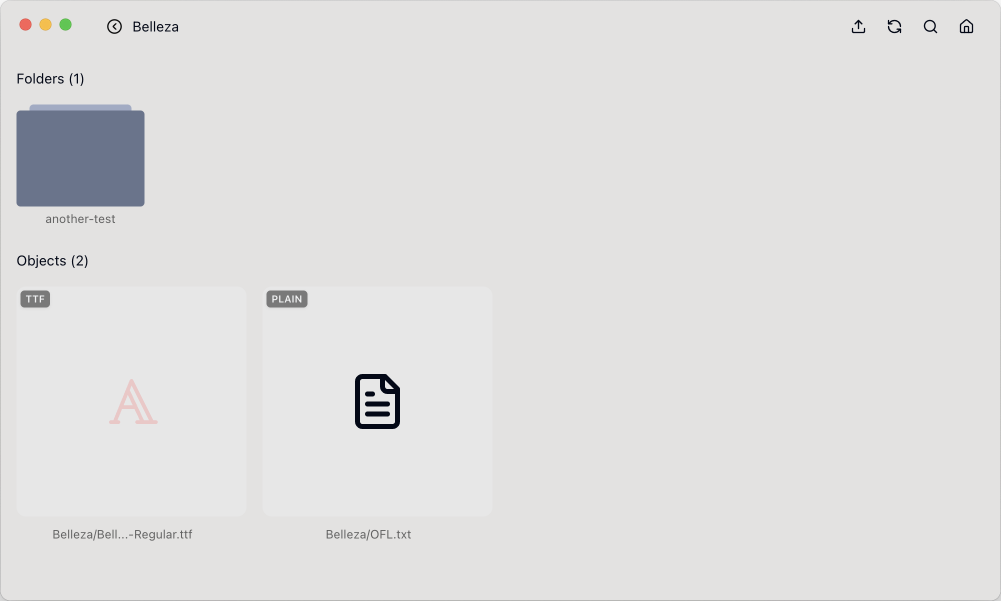
Organize your objects logically. Navigate through folders easily using the delimiter feature.
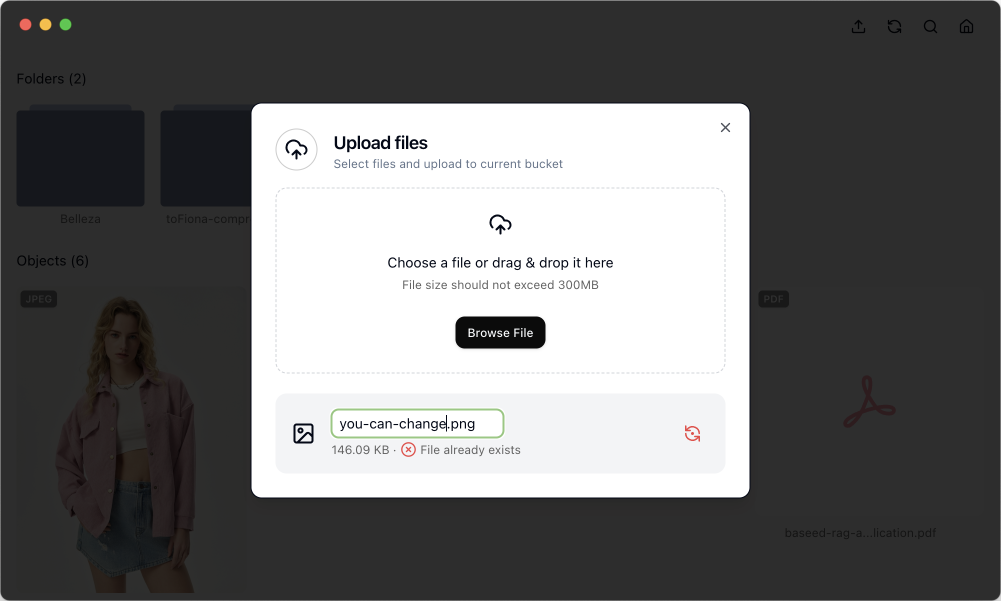
Avoid accidental overwrites. R2Uploader checks for existing files and lets you rename duplicates before uploading.
Share your R2 objects using your own domain for professional, branded links.
Managing Cloudflare R2 shouldn't be complex. R2Uploader provides an intuitive interface, making uploads, browsing, and sharing effortless, especially for those who prefer a GUI over command lines.
We're constantly improving R2Uploader. Here's what's coming next:
Get started with the easiest way to manage your Cloudflare R2 assets.
Latest version: Check GitHub Releases
You'll need your Cloudflare Account ID and an R2 API Token.
Your credentials are stored securely locally.
View Full Tutorial on GitHubR2Uploader requires a license key for full functionality, though free usage is possible.
Thank you for supporting R2Uploader development!
Have questions or feedback? Get in touch!